
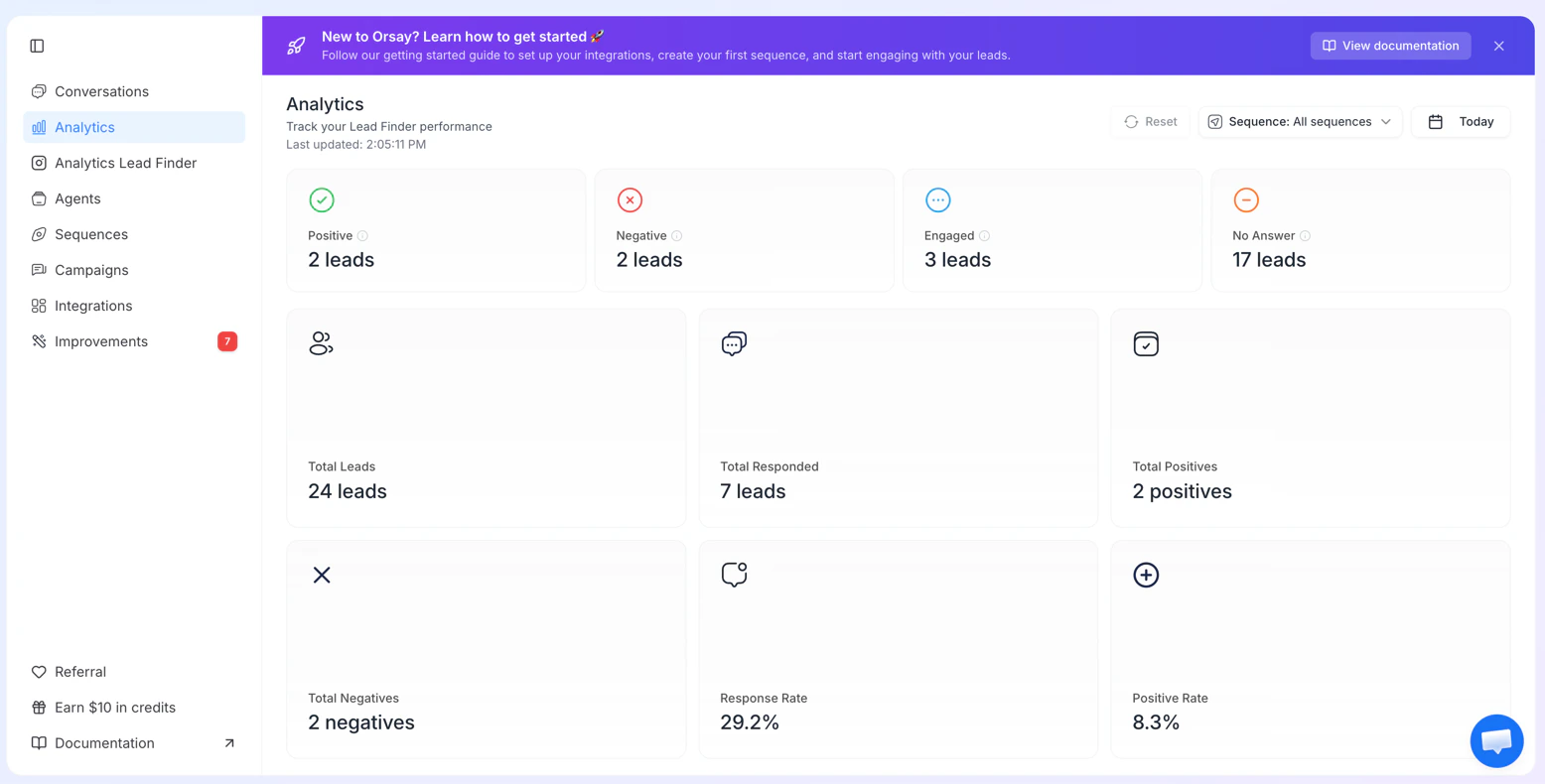
- Date range picker (defaults to today)
- Sequence filter to drill into specific campaigns
- Auto-refreshes every 30 seconds
- Metrics cards: Total Leads, Total Responded, Positive / Negative / Engaged / No Answer counts and percentages, Response Rate, Positive Rate
Export your analytics
Export a daily summary of your key metrics as a CSV, directly from Analytics.1
Open Analytics
Go to Analytics and apply any filters you want (date range, sequence).
2
Click Export
Click the Export button at the top right of the page.
3
Download the CSV
A CSV containing all metrics for the current filter range is downloaded to your computer.