
Our Commitment to Instagram Compliance
At Orsay, we do everything we can to respect all of Instagram’s rules and always stay within the platform’s limits to keep your account safe. Our warm-up process and daily action limits are specifically designed to ensure we never cross any lines. That said, working within Instagram’s ecosystem is not a 100% exact science. Despite our best efforts, you may occasionally receive security flags from Instagram.Instagram always sends multiple flags before any account suspension. You will never get banned in one shot from using Orsay — there is always a progression of warnings giving you time to react.
What Happens When You Get a Flag
- Orsay pauses automatically — All activity stops the moment a flag is detected.
- You receive a notification — Check what type of flag it is (see the categories below).
- Resolve it on Instagram’s side — Follow the instructions Instagram gives you.
- Re-approve Orsay manually — You must manually go back into Orsay and reconnect your Instagram account.
- 24-hour safety period — Even after reconnecting, Orsay will not perform any action for 24 hours to ensure we fully respect Instagram’s cooling period.
Flag Categories
🟢 Easy — Nothing to Worry About
These flags are minor. You can safely reconnect Orsay after handling them — everything is fine.🔌 Connection Flag
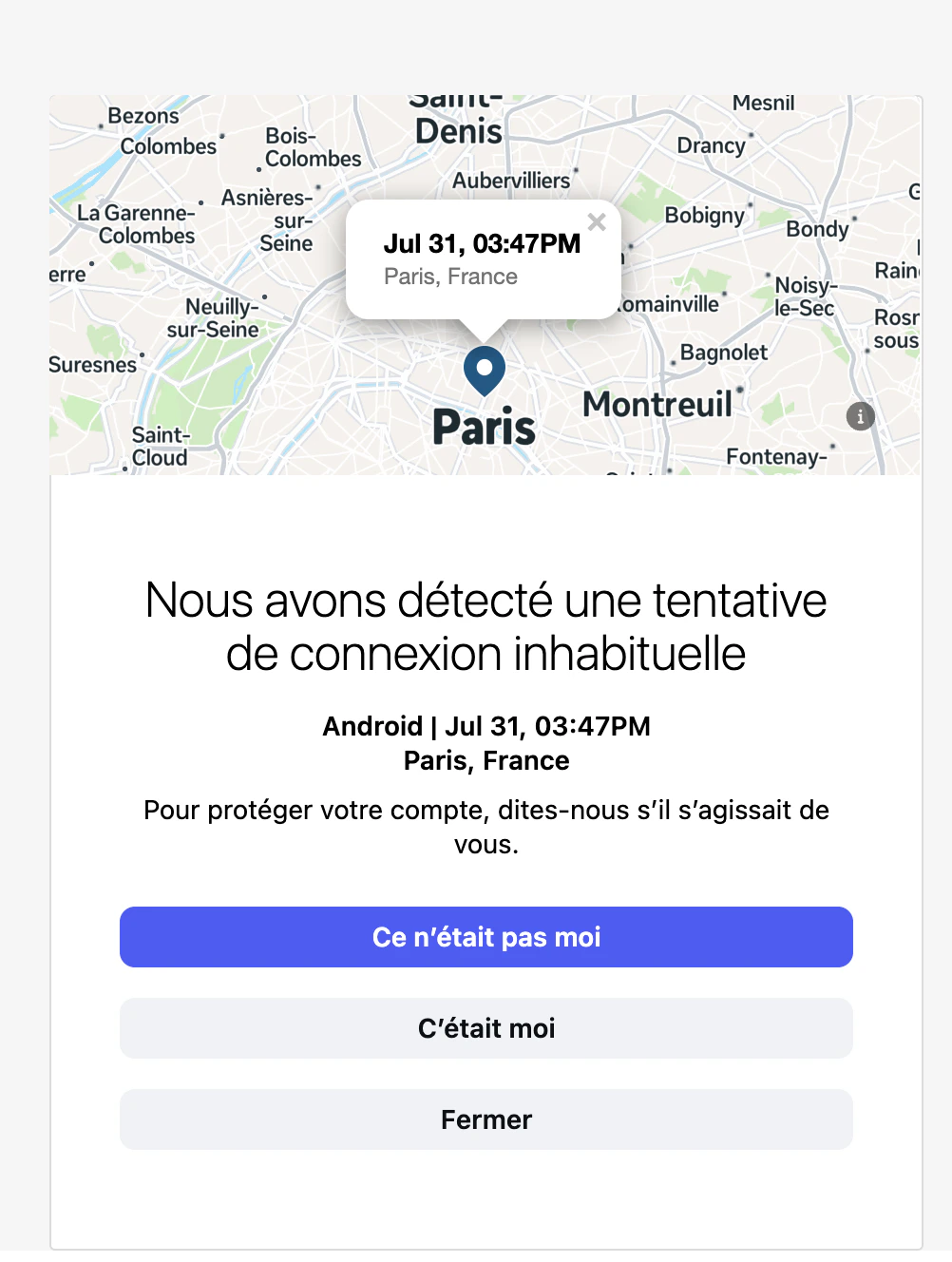
🔌 Connection Flag
🤖 Automation Flag
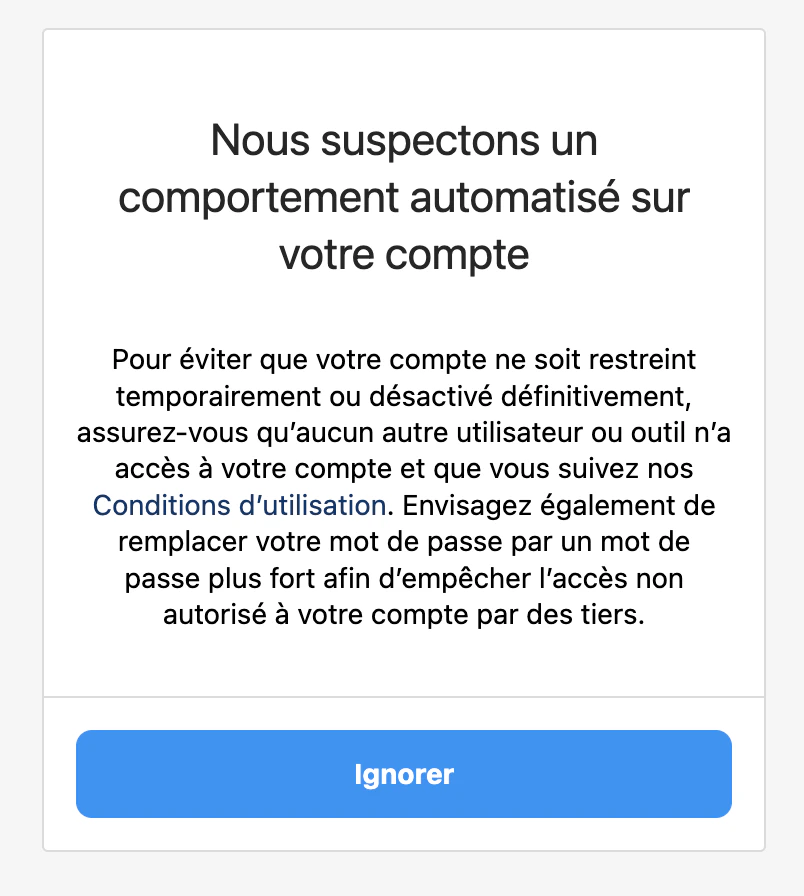
🤖 Automation Flag
🟡 Medium — Review Before Reconnecting
These flags require more attention. Review them carefully and follow Instagram’s instructions before reconnecting Orsay.📧 Security Email
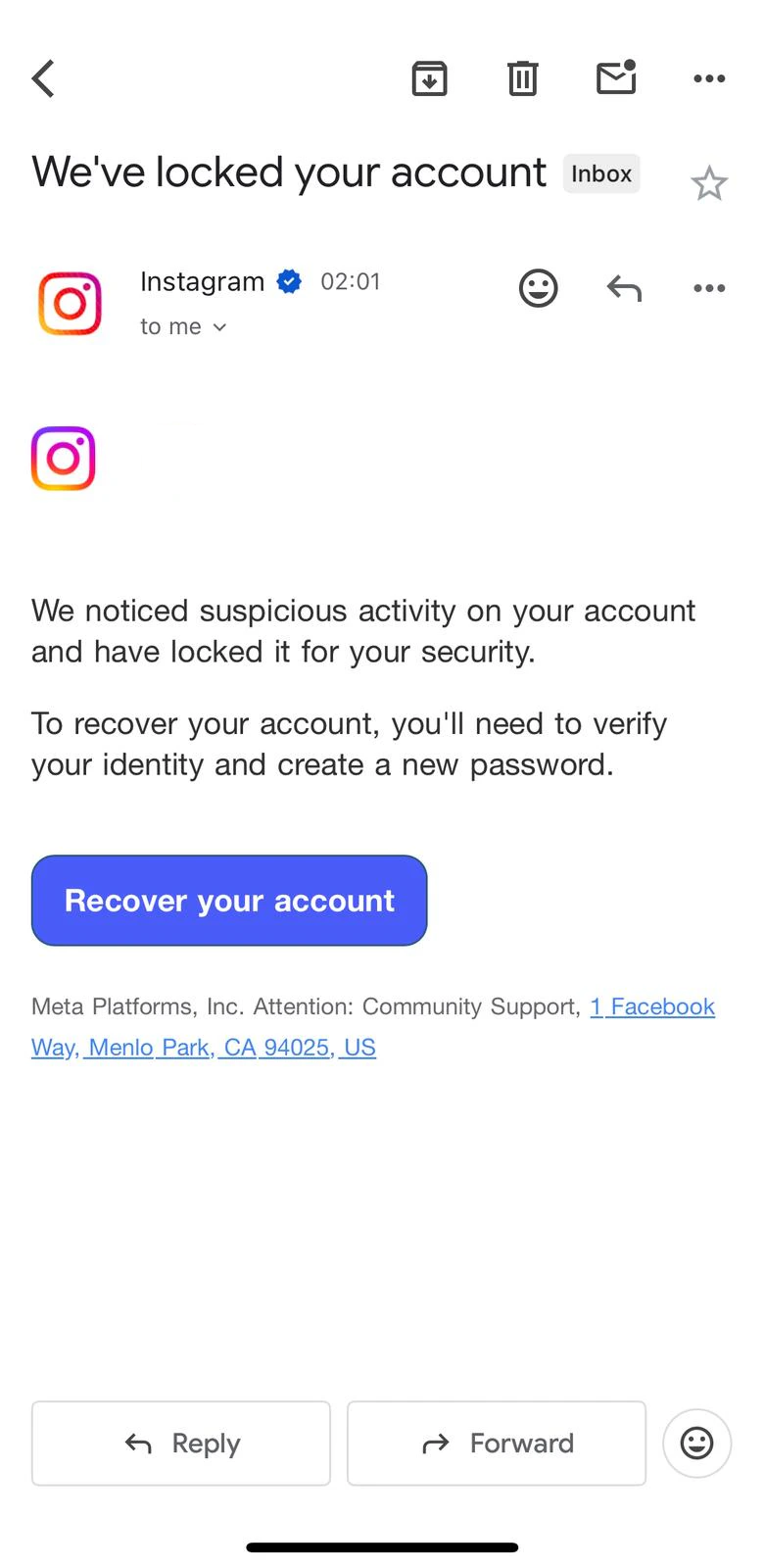
📧 Security Email
👤 Profile Information Check
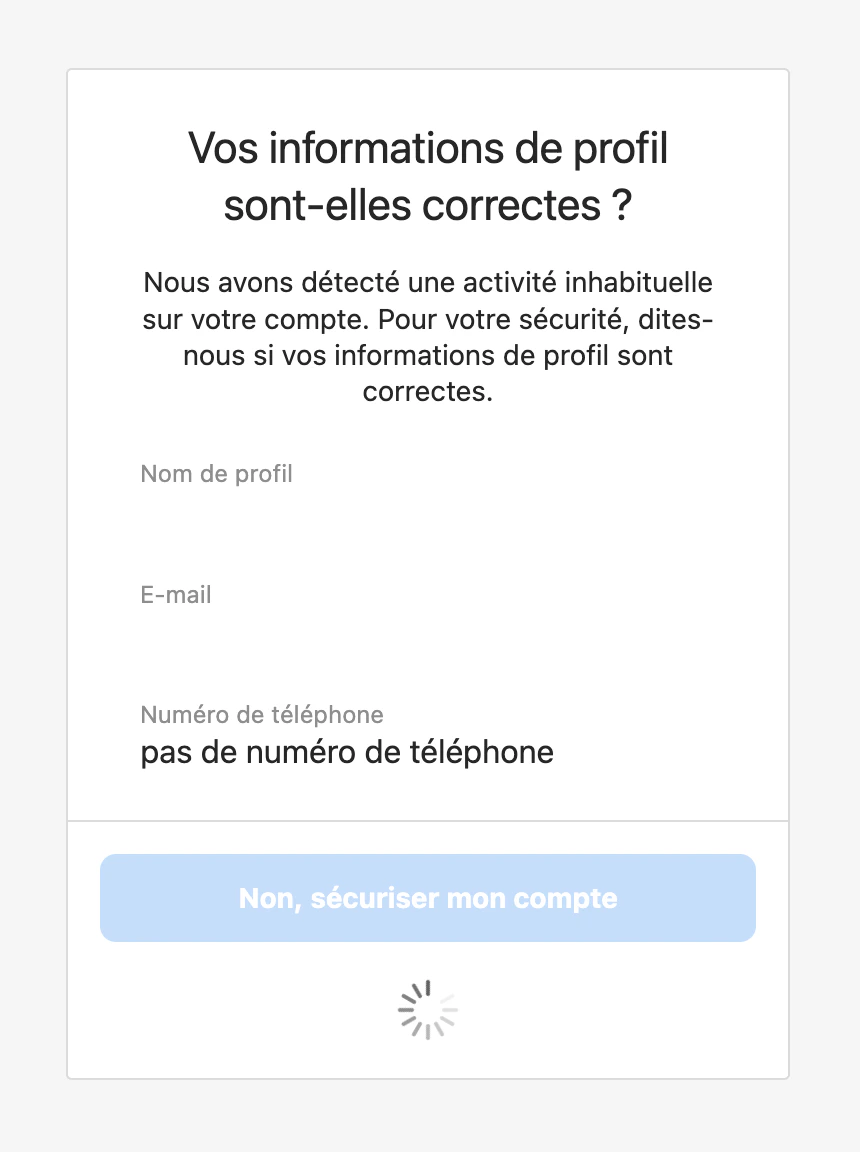
👤 Profile Information Check
🔴 Hard — Do Not Reconnect Orsay
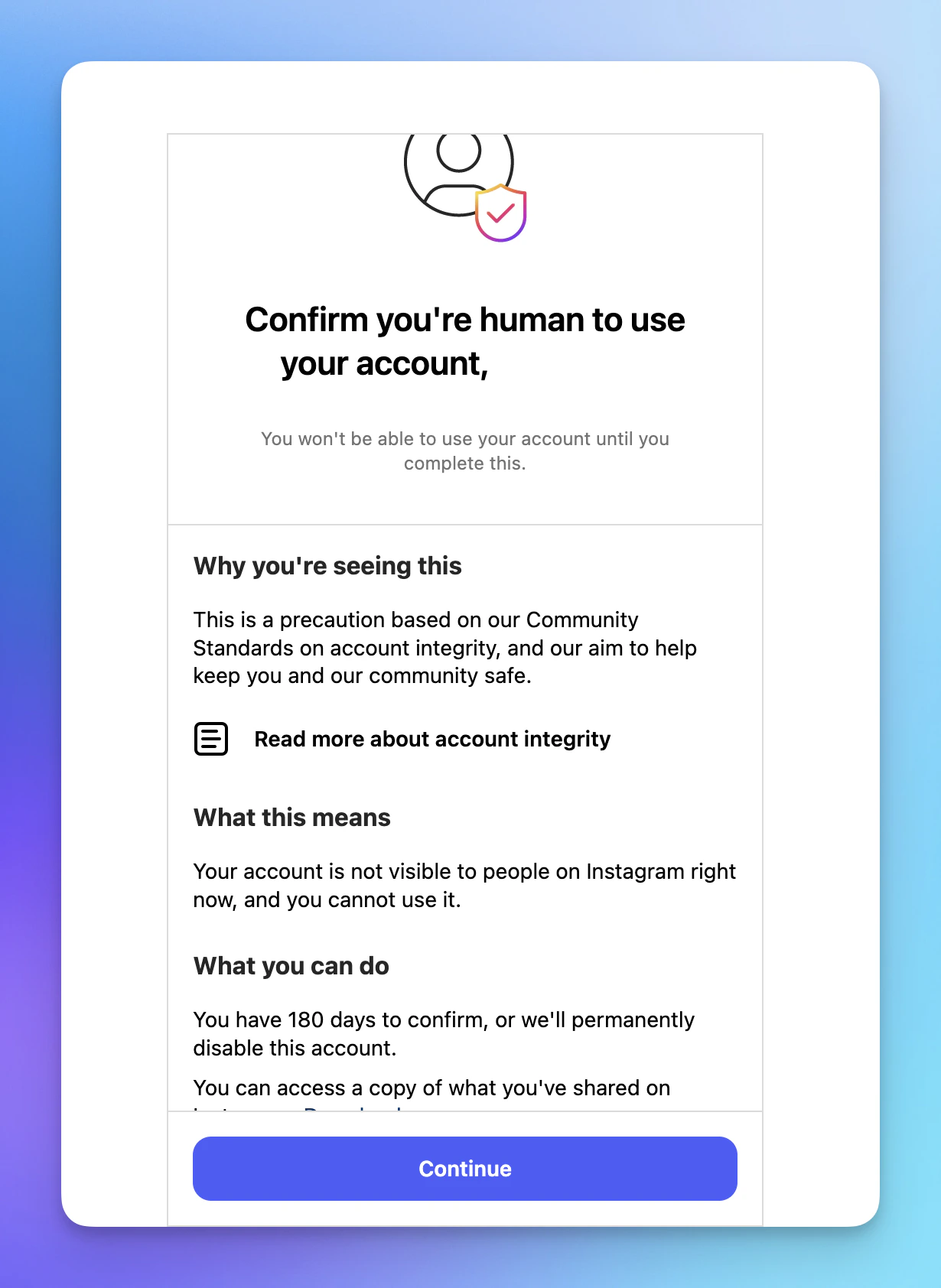
These flags are serious. We strongly advise against reconnecting your Instagram account to Orsay if you receive one of these. Please contact our support team before taking any action.✅ Confirm You Are a Human
✅ Confirm You Are a Human
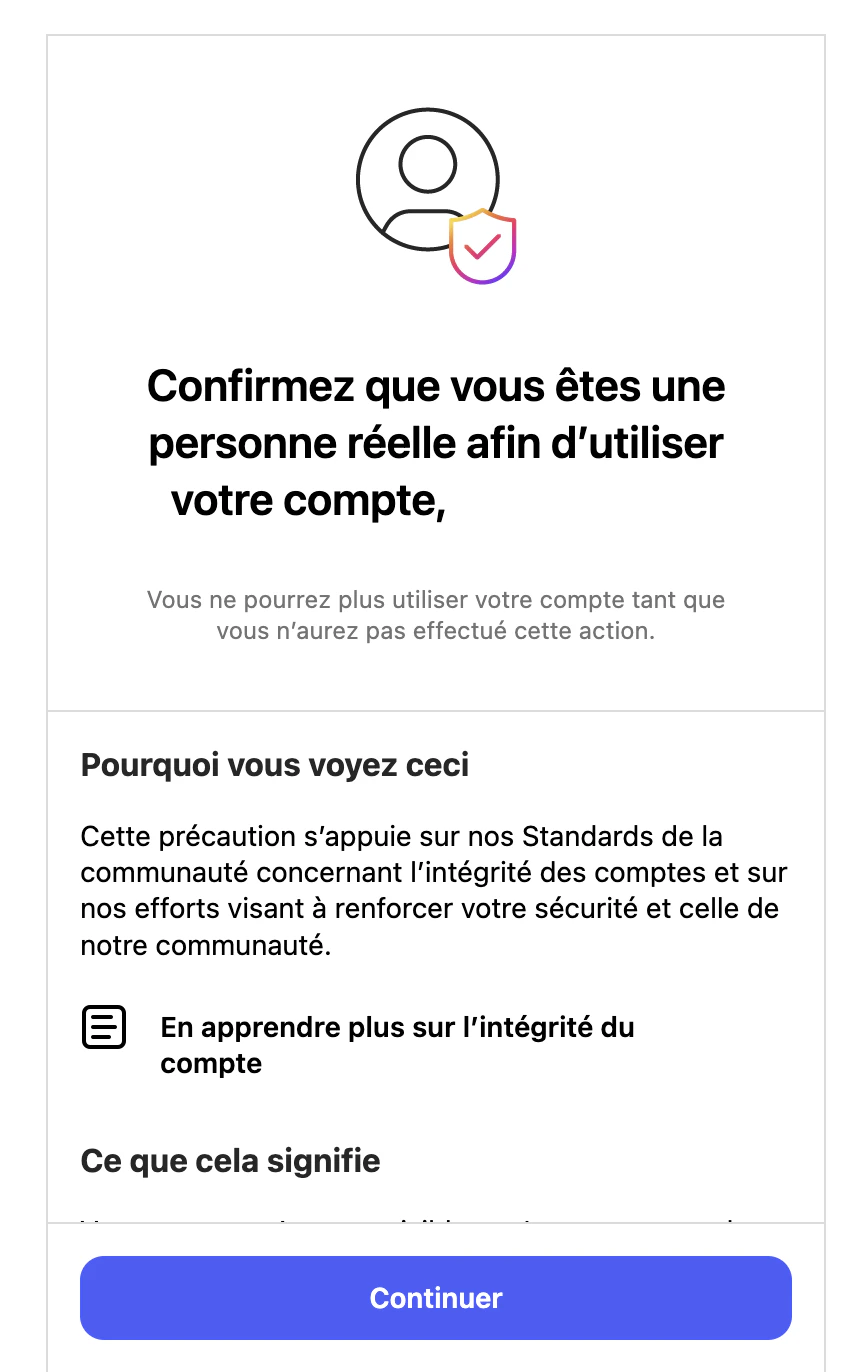
🧍 Confirm You Are a Real Person (FR)
🧍 Confirm You Are a Real Person (FR)
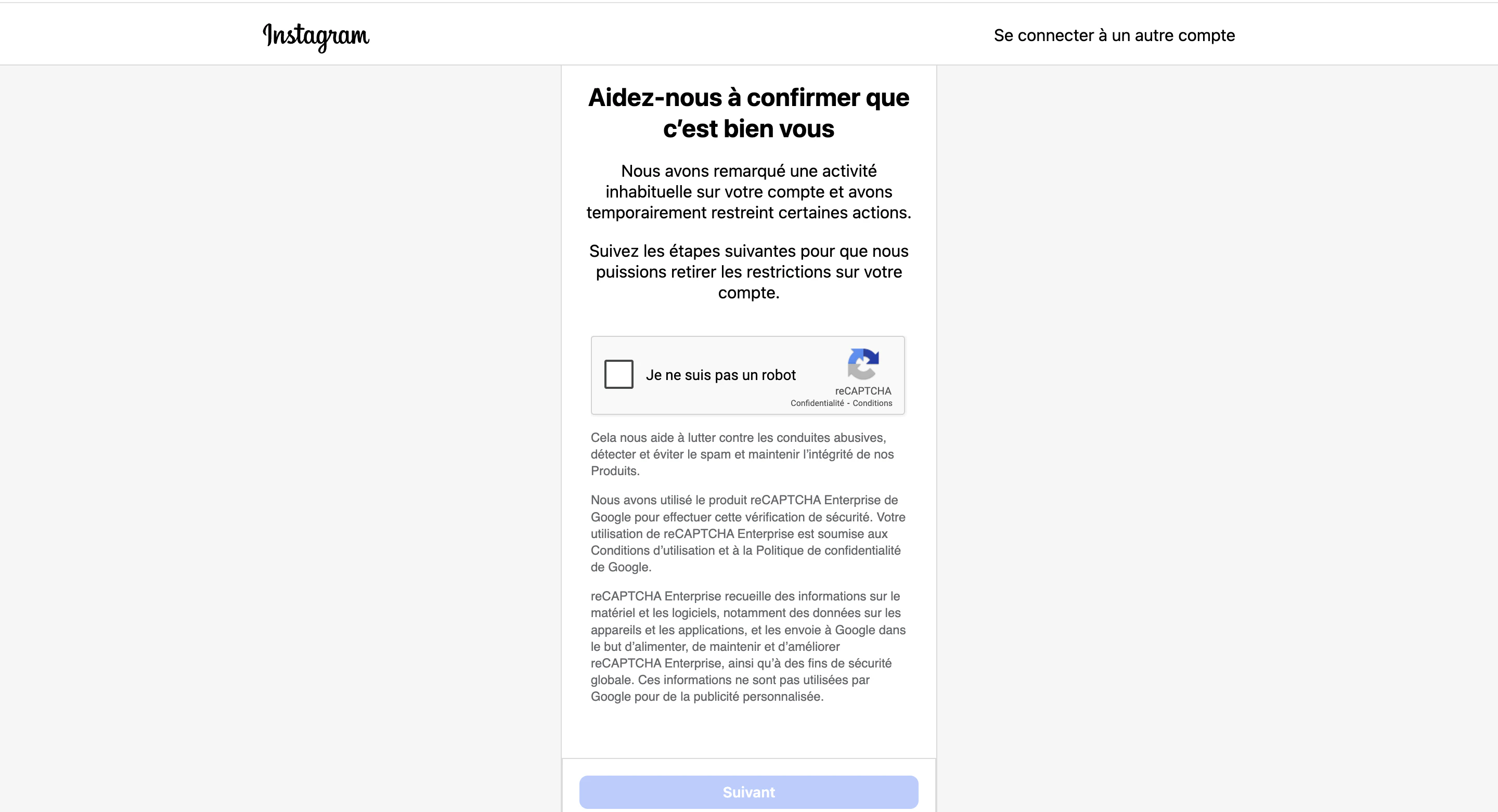
🆔 Help Us Confirm It's You
🆔 Help Us Confirm It's You
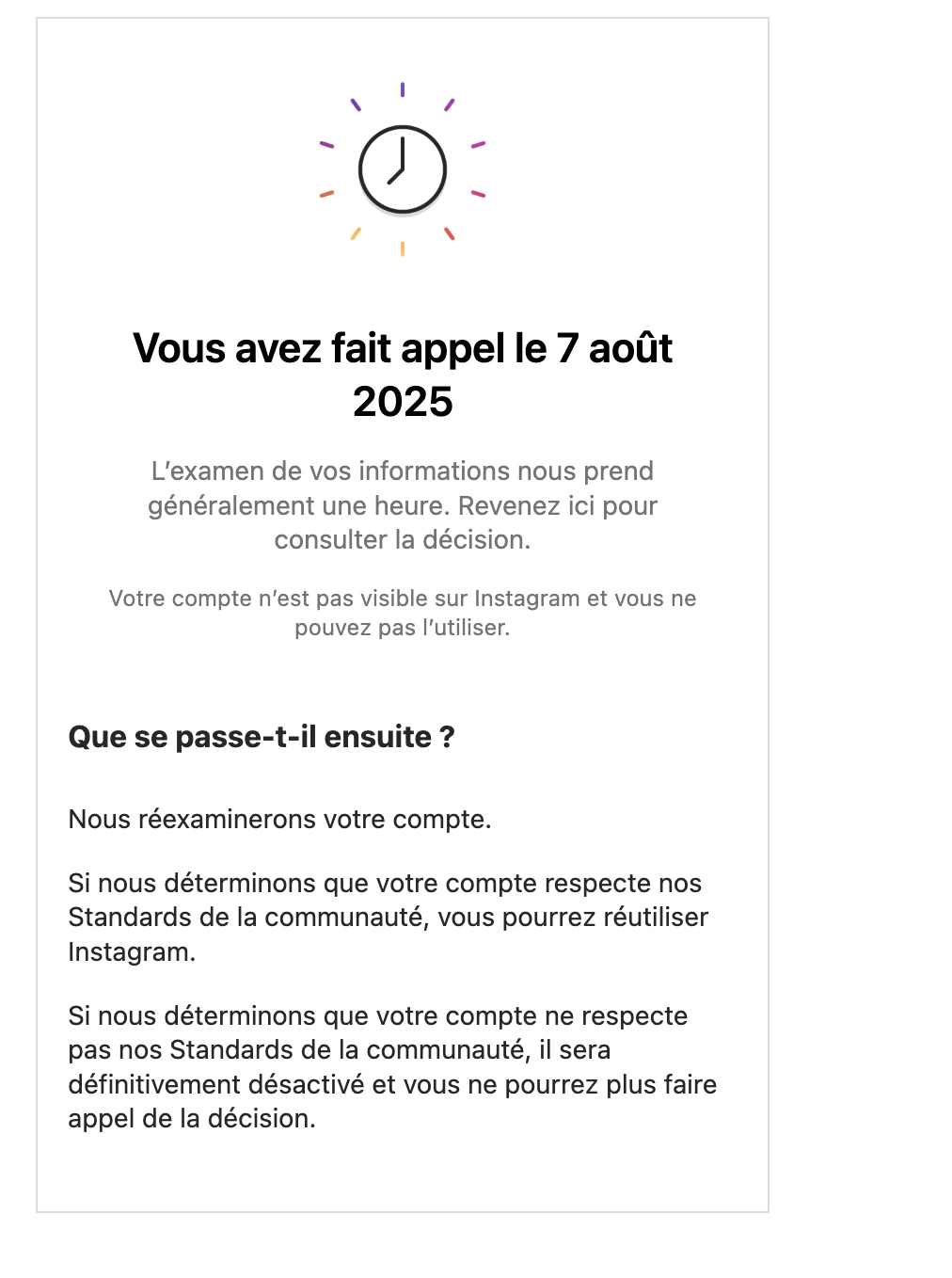
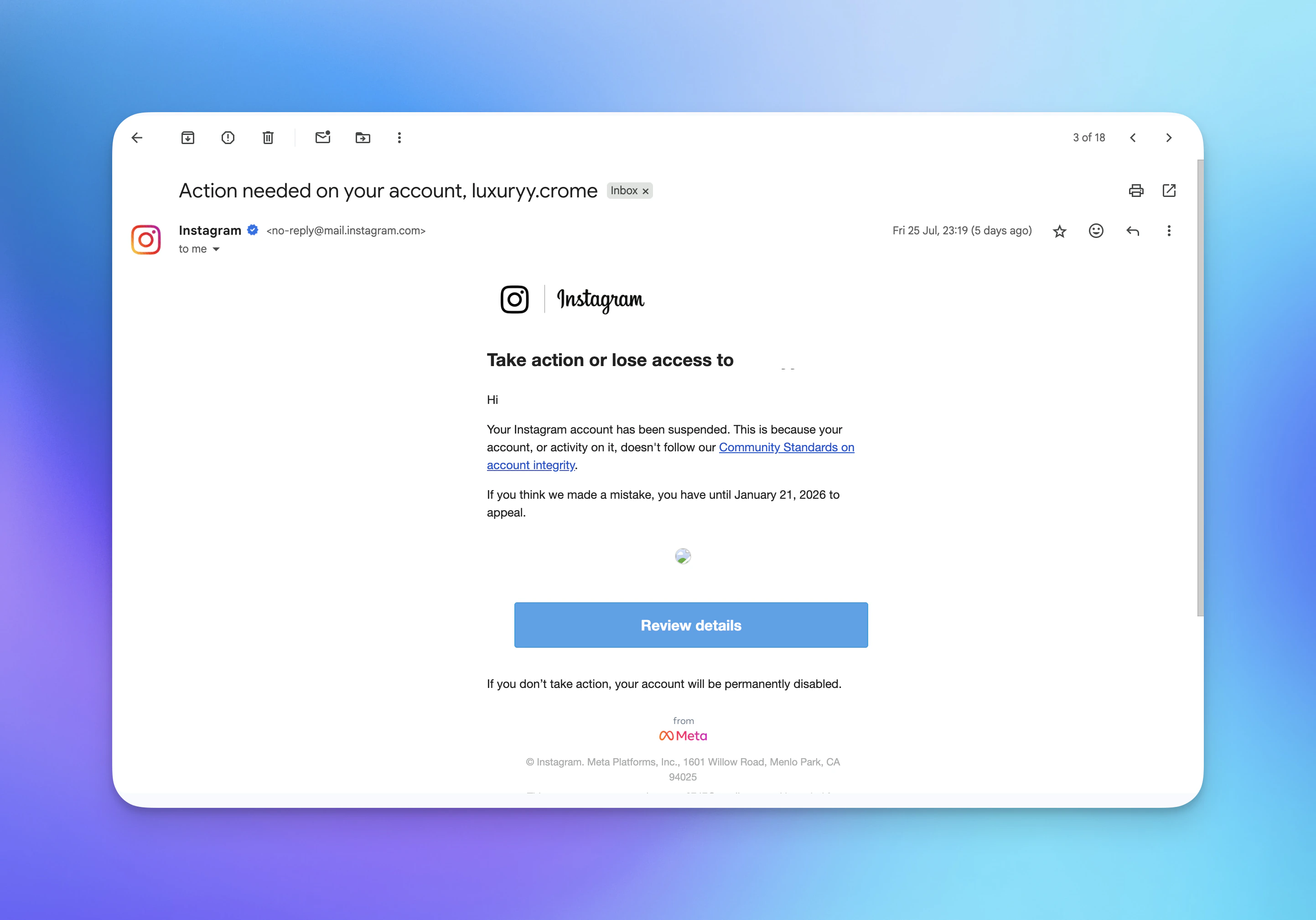
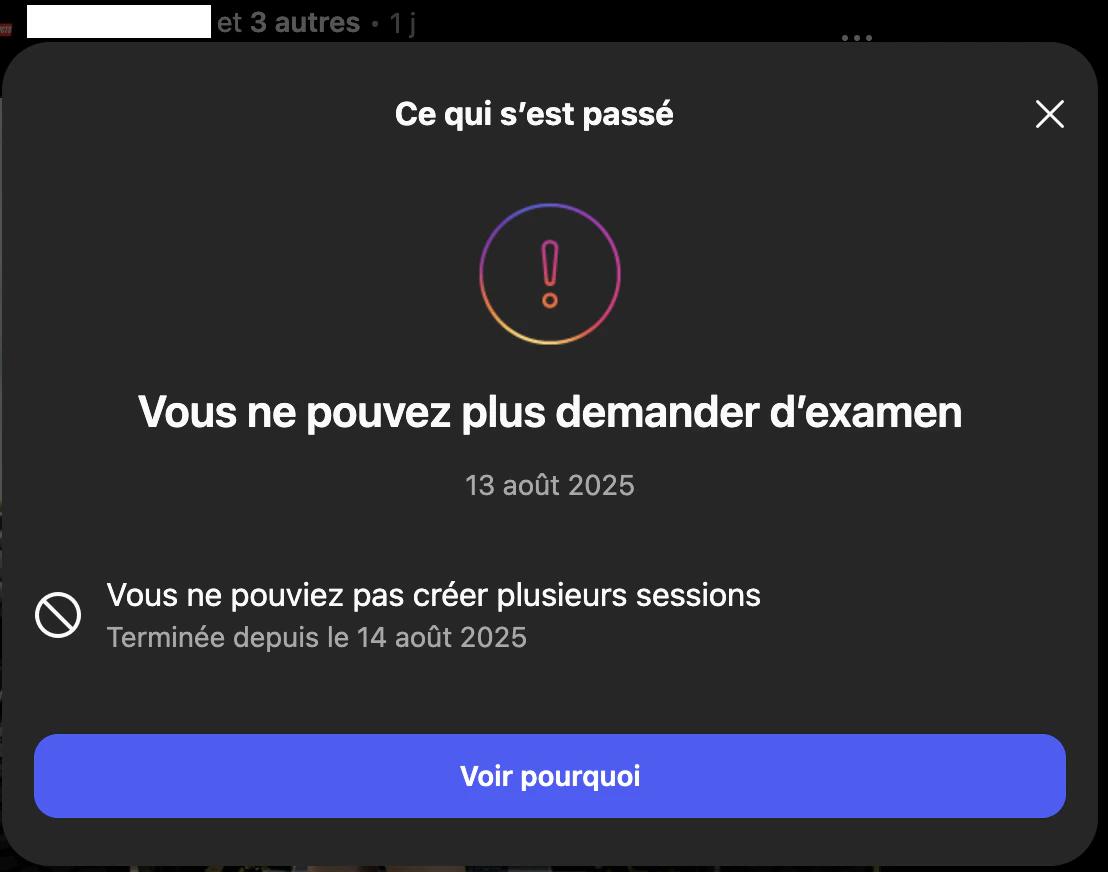
⚠️ Suspension Warning
⚠️ Suspension Warning
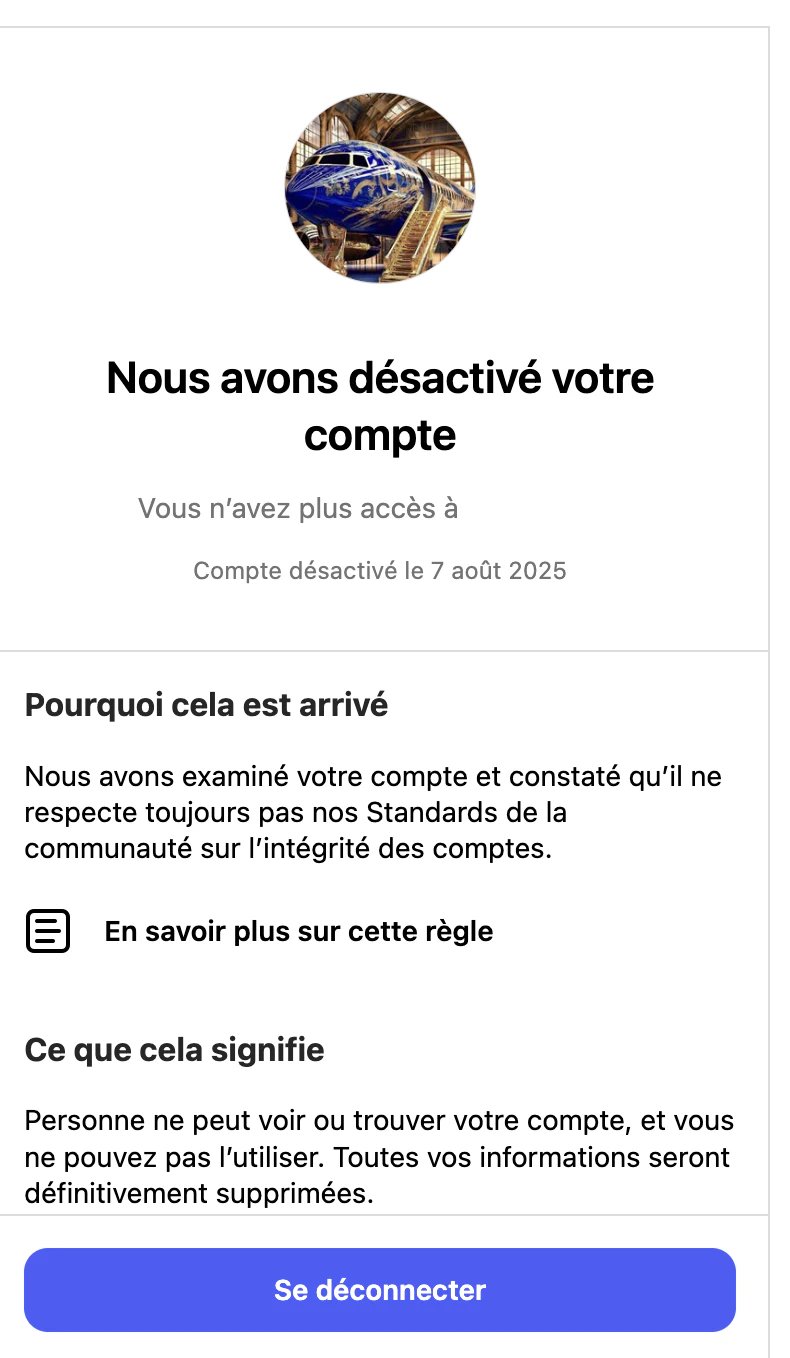
🚫 Account Suspended
🚫 Account Suspended
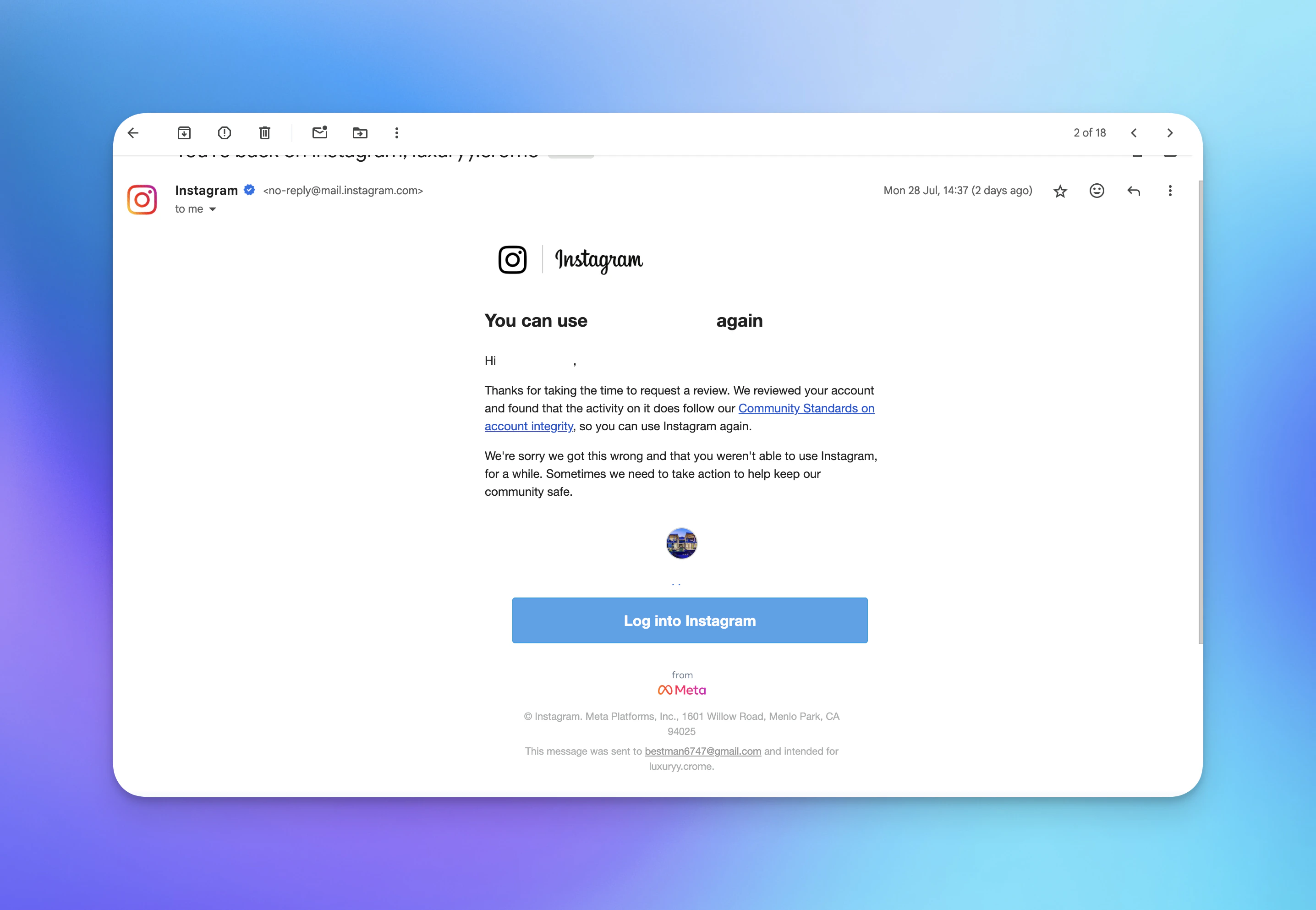
♻️ Account Unsuspended
♻️ Account Unsuspended
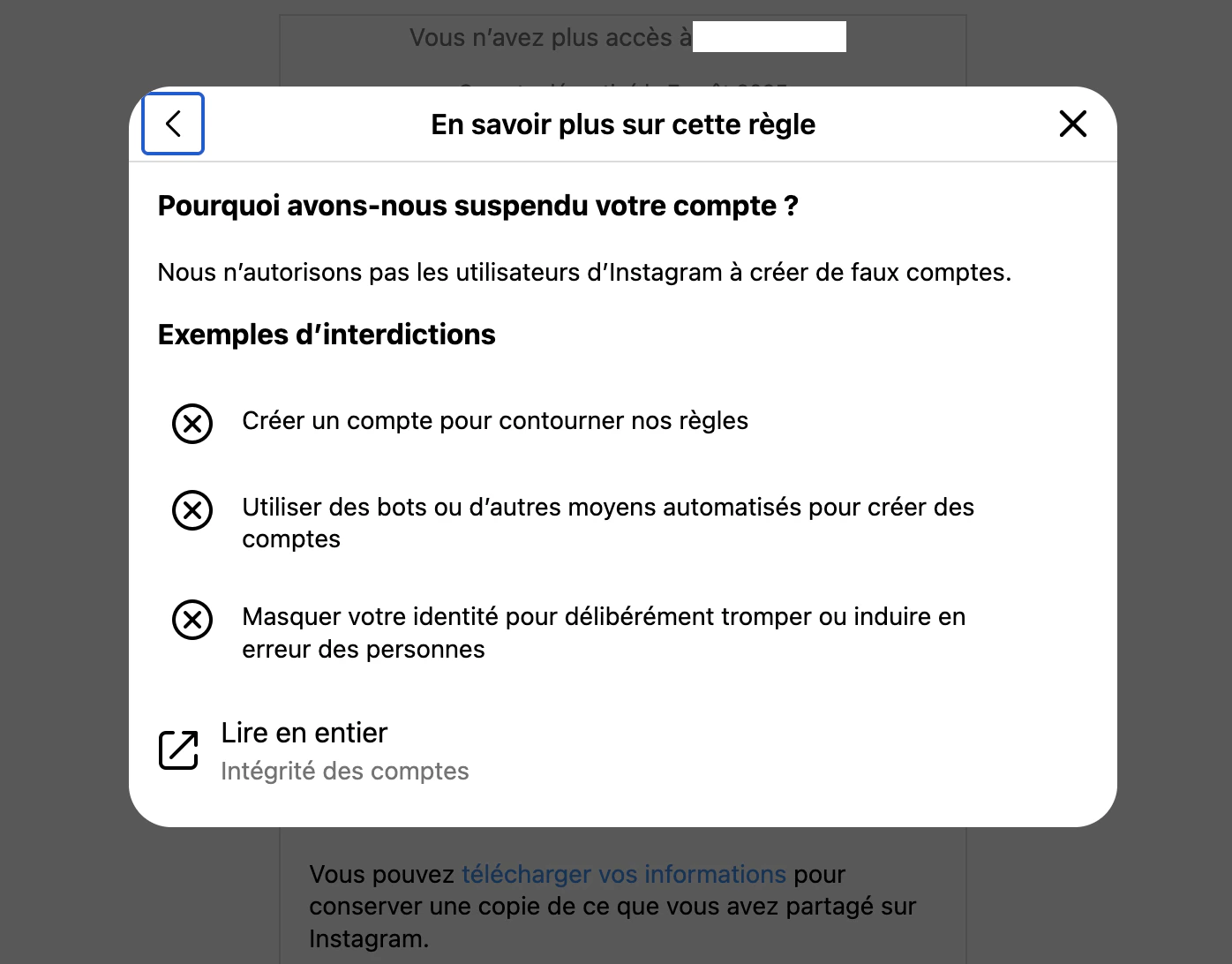
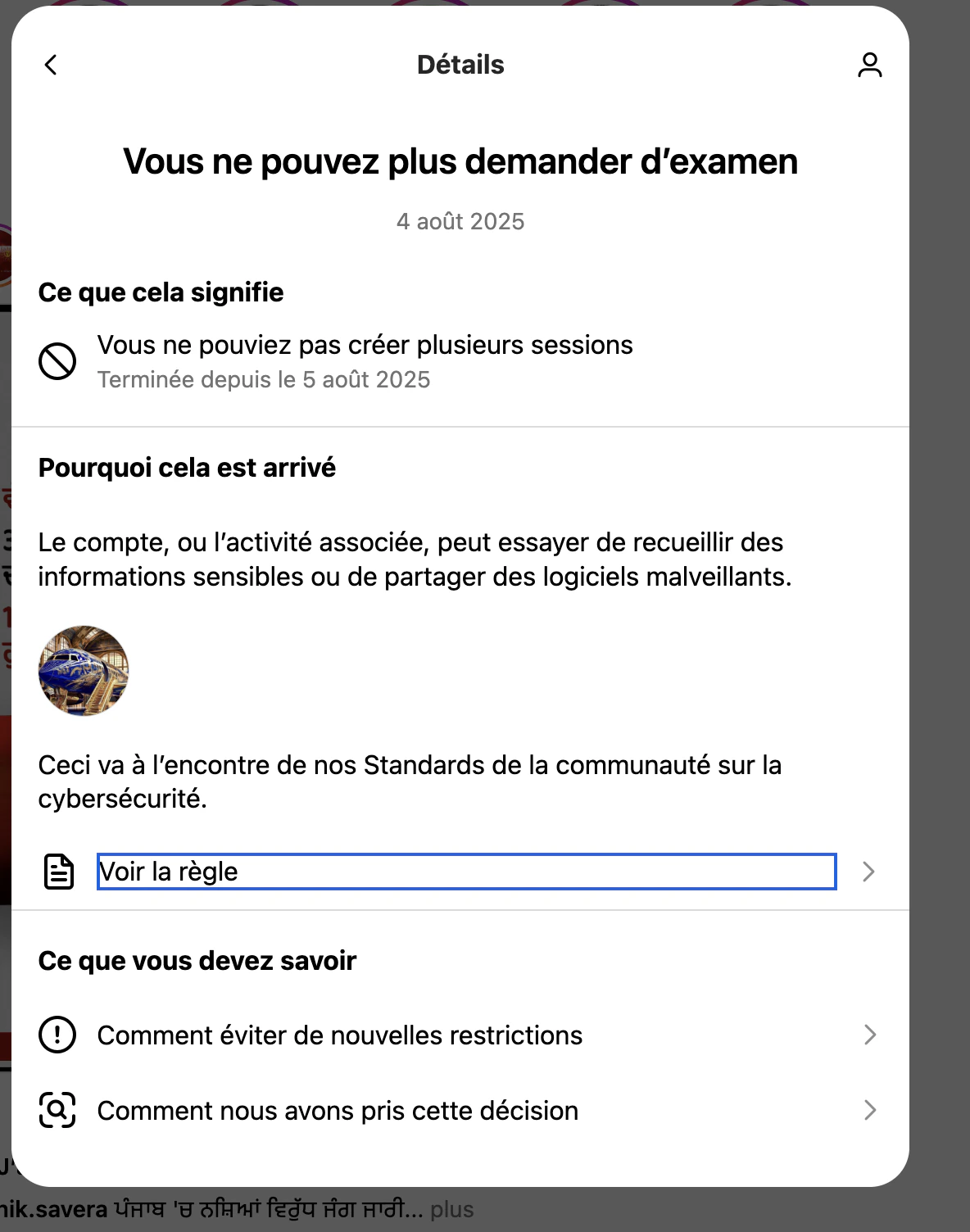
📋 Suspension Reasons
📋 Suspension Reasons
🔒 Permanent Suspension
🔒 Permanent Suspension
If you’re unsure about a flag you received, always reach out to our support team before reconnecting Orsay. We’re here to help you stay safe. Contact us on WhatsApp.